Configure Layout is used for images, logos and contact information that you may wish to see on every page of your COOLSite. This is different from Pages, as only the given page will display when clicked on from your navigation menu.
To use Configure Layout, login to your admin area and under
My Websites click
Configure Layout.

This will give you the different areas (header, footer, top, and bottom navigation) of the template on your site, which will be displayed on all of your pages.
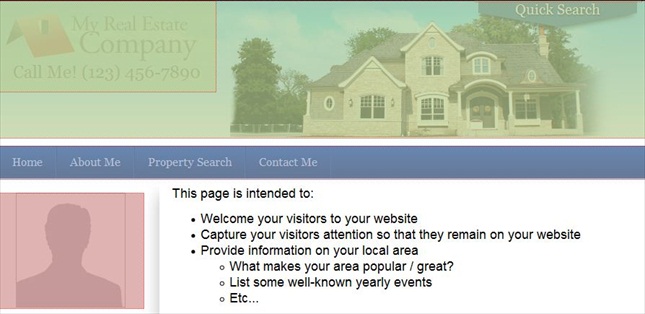
Click on a section to add your photo or company logo, the section you choose will now load into our editor for you to edit and submit changes.
You can also save any of these areas to your Library, before you make any changes. If you don't like what you have changed, you can load the information back to the appropriate area.

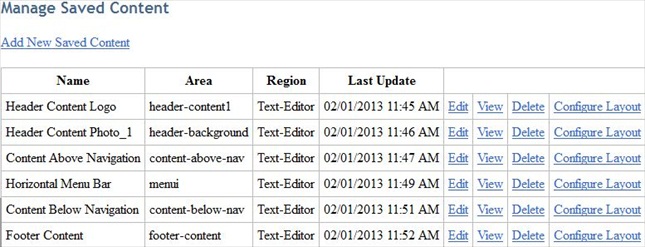
You can also manage the content you have saved above by clicking on Configure Layout>Manage Saved Content. In this area, you edit, view or delete your Saved Content. You can also access the Configure Layout area for the particular content you have previously saved.
Related Articles:
http://support.colony1.net/KB/a325/change-design.aspx